Best Time to Post on Instagram: A Practical Creator Guide
There is no universal best time to post on Instagram: the right window is when your audience is available and your content is ready. Use Instagram Insights to choose candidate times, test them consistently, and keep the slots that support your goal.
Step 1: Start with your audience’s routine
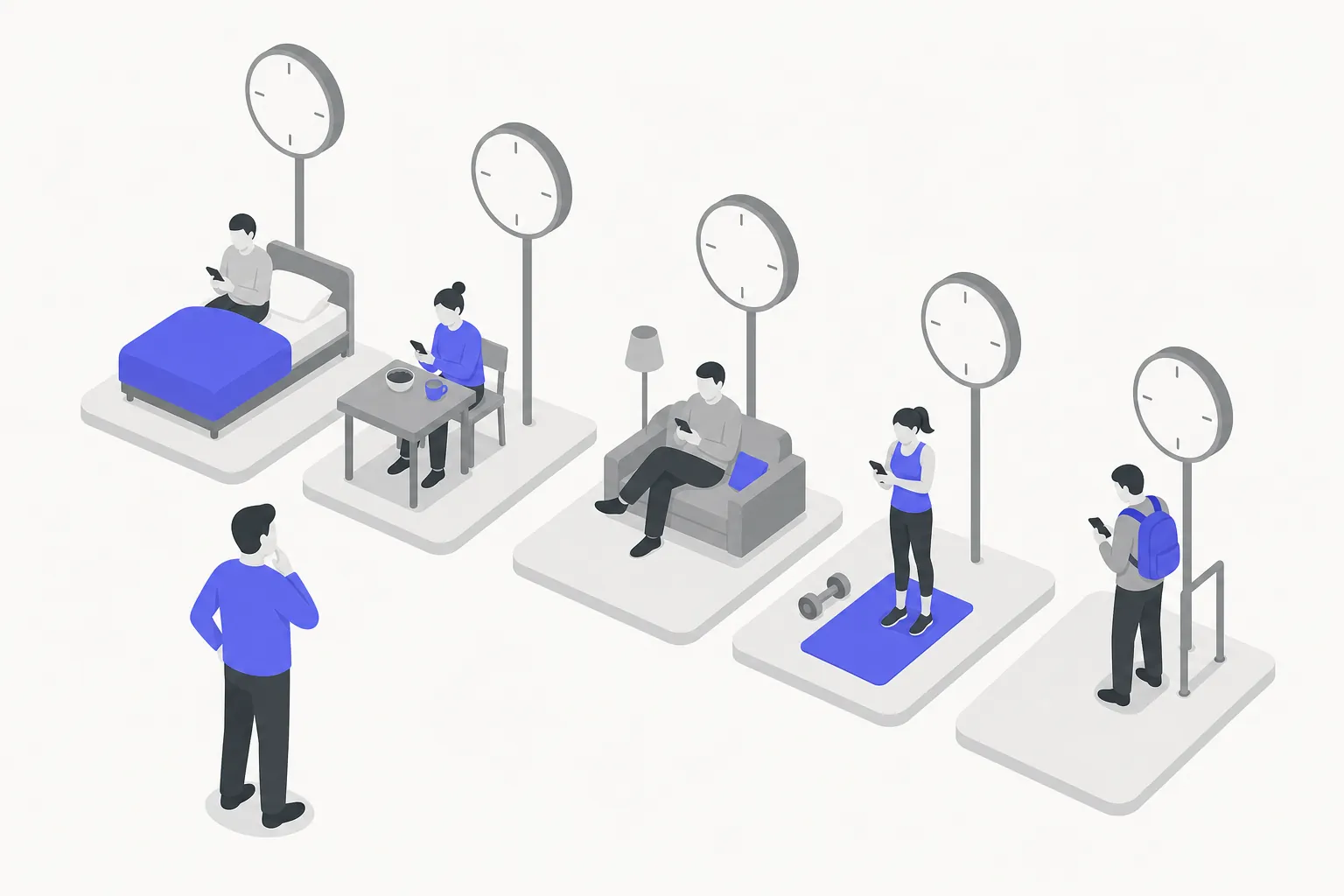
The best time to post on Instagram depends on when your audience is likely to check the app, not on a universal schedule. Start with the people you want to reach: where they live, what their day looks like, and whether they tend to browse before work, during a break, or in the evening.
Think about the routine connected to your content. A creator sharing quick weekday lunches might test a late-morning or lunchtime window. A maker whose followers watch longer tutorials after work might test an evening slot. These are starting ideas, not proven best times for every account.
Pay attention to time zones, too. If most of your audience is in one region, use that region’s local time when planning. If followers are spread across several regions, choose a priority audience or test different windows rather than treating one time zone as if it represents everyone.
Write down your assumptions before choosing times. For example: “My audience is mostly local, and people who follow this series may be free after work.” You can then check that idea against your account’s activity and post results.
Step 2: Check Instagram Insights for active times
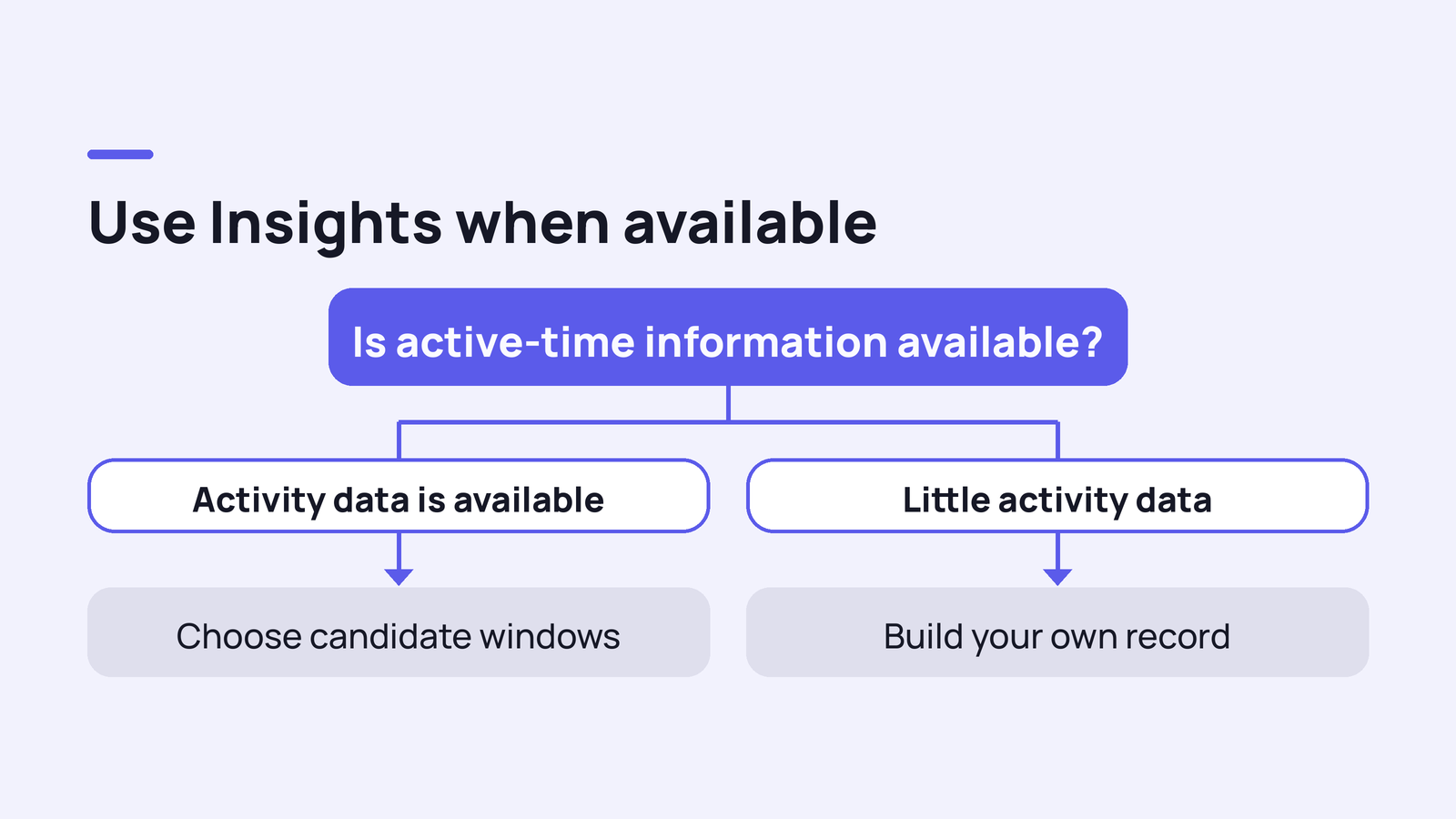
If your account has access to Instagram Insights, use it as your first source of evidence. Creator and business accounts can usually find audience information through the professional dashboard or Insights, though labels and menu locations may change. Look for information about when followers are most active, if it is available for your account.
Use that activity pattern to choose candidate windows, not to declare a winner. An active-time chart can show when followers are on Instagram, but it does not promise that they will see or engage with every post. Content, competition, audience interests, and the post format all matter.
Before deciding, note the days and hours that appear most active, the time zone the chart uses, and whether the pattern changes by day. If your account has little activity data, start with your audience assumptions from Step 1 and build your own record as you publish.
Keep the difference clear: your followers’ most active time is an audience signal; your best posting time is the window that repeatedly helps your content reach its intended audience and meet its goal.
Step 3: Choose a small set of test windows
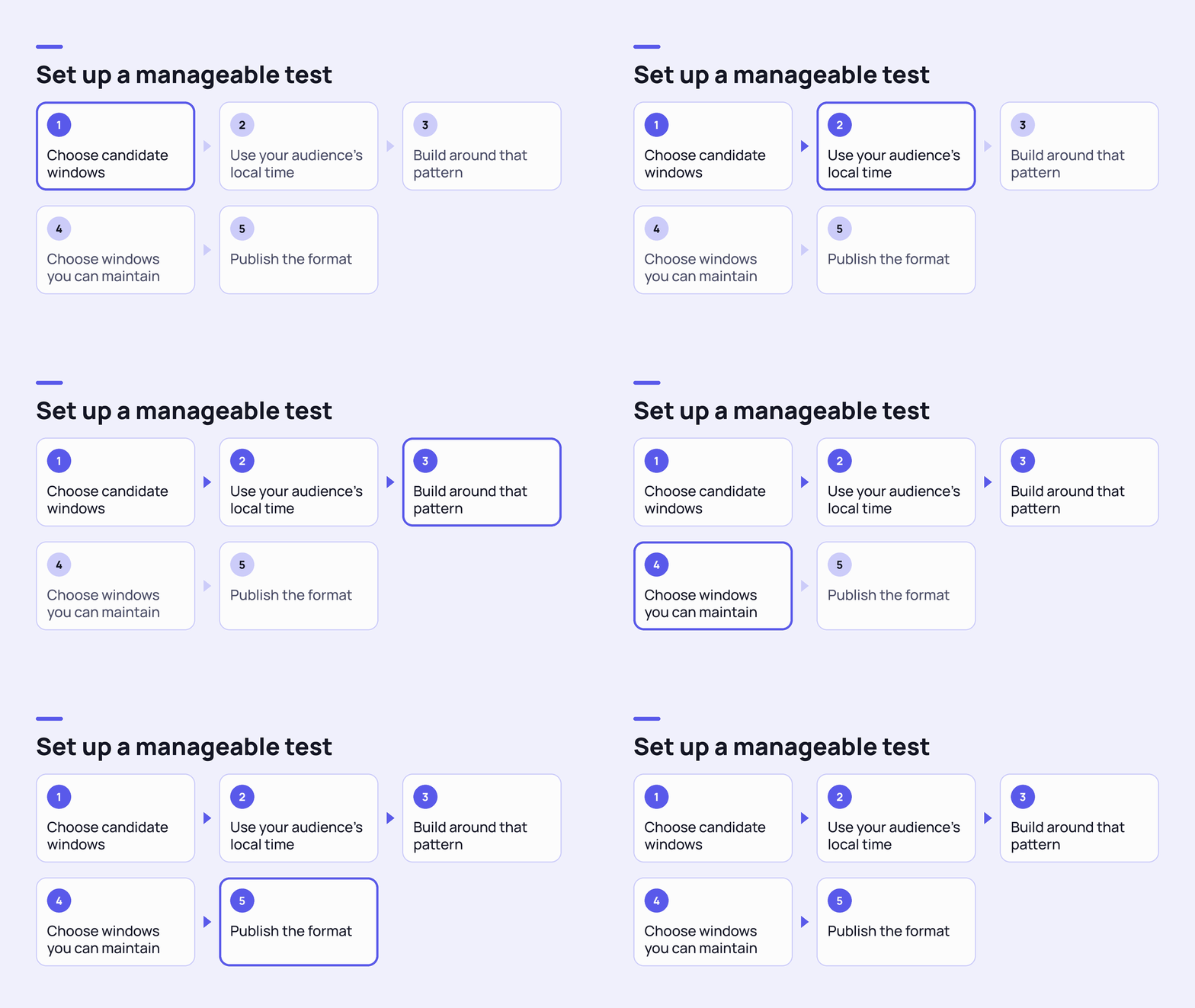
Turn your audience clues into a manageable test. Choose two or three time windows that fit your followers’ likely routines and that you can post in consistently. Give the windows clear names, such as “weekday lunch,” “weekday evening,” and “weekend morning.” Use your audience’s local time when possible.
For example, a creator could test a Monday lunch post, a Wednesday evening post, and a Saturday morning post. This is a sample plan, not a claim that those days or times are generally best. If your audience is mostly active on different days, build the test around that pattern instead.
Include the days your audience actually uses your content. Monday may be a useful comparison with a weekend for one topic, while Saturday or Sunday may fit another. Don’t assume that weekday habits carry over to the weekend; check your own activity data and results.
Keep the schedule realistic for your workflow. A test is less useful if you rush to publish at a time that makes the content weaker or leaves you unable to respond. Choose windows you can maintain, and publish the format you want to evaluate in each one.
Step 4: Test timing without changing everything else
Compare time windows as fairly as you can. If one post is a Reel and another is a carousel on an unrelated topic, differences in results may come from the format or subject, not the posting time. Use comparable posts where possible: similar format, topic, audience, and purpose.
Repeat each window across multiple posts before drawing a conclusion. One post can perform unusually well or poorly for reasons unrelated to timing. If you publish infrequently, let the test run longer rather than treating a single result as a pattern.
Keep a simple log with the date, time, time zone, format, topic, goal, and relevant results. For example, compare three tutorial Reels published in a lunch window with three similar tutorial Reels published in an evening window. The example counts are a way to organize a test, not a guarantee of statistical certainty.
Keep your posting quality and cadence steady while you test. Avoid changing the time, format, caption style, and subject all at once. The fewer variables you change, the easier it is to tell whether timing may be contributing to a difference.
Plan your social content with Planmasta.
Planmasta uses AI to help creators plan and create content across Instagram, TikTok, YouTube, and more. Use it to support a consistent content workflow while you test what works for your audience.
Explore PlanmastaStep 5: Match the posting time to the format and day
Don’t assume one time will work equally well for every Instagram format. A Reel, a feed post, and a Story can serve different purposes, so test them in the context of what each is meant to do. A Reel may be designed to reach new viewers; a Story may support an ongoing conversation with existing followers. Choose measures that fit the goal rather than comparing formats as if they were interchangeable.
For Stories, consider when your followers are likely to check in and whether the content makes sense as a sequence. For a feed post or Reel, consider when your audience might have time to watch or respond. These are hypotheses to test, not platform-wide rules about what time each format performs best.
Look at days of the week in the same way. If Monday posts seem stronger than Saturday posts, check that the posts were reasonably comparable and that the result repeats. A weekend audience may have a different routine, but there is no dependable Monday, Saturday, or Sunday time that applies to every creator.
If you publish more than one format, track each format separately. That will help you spot patterns such as evening Stories getting more replies while weekday Reels better support reach, without assuming that one finding automatically applies to every post.
Step 6: Pick the best time to post today
To choose a time today, check the active-time information available in Insights, then compare it with your audience’s local time and your own test results. If a suitable window is coming up and the content is ready, use it. If your audience appears most active later, consider scheduling or waiting for that window instead of publishing at a random hour.
“Peak posting hours” usually means the hours when an audience is more active on the platform. That can help you choose a window, but it is not a live forecast of how a specific post will perform. If your account doesn’t show audience activity, use a time based on your audience’s routine and treat today’s post as one observation in your test.
The “golden hour” is not a universal Instagram posting slot. People may use that phrase to refer to warm light for photography, but attractive lighting is different from the time your followers are active. If you’re posting a photo, good light may help the image; it does not identify the best publishing time by itself.
There is no single best time to post on Instagram today for every creator. Use the most relevant information you have, choose a time you can support, and record what happens so today’s choice can inform the next one.
Step 7: Review results and adjust your schedule
After each test window has enough comparable posts, review results against the goal you set. For reach, look at reach or views where available. For community interaction, consider comments, replies, shares, or saves. For a profile-growth goal, review profile visits or follows if your Insights provide them. Available metrics can vary by format and account.
Compare like with like. Look at similar posts published on different days or at different times, and consider using a rate such as interactions per reach when reach differs substantially. Don’t make the decision from likes alone if your goal was saves, replies, or discovery.
Keep the windows that show a repeatable advantage for your goal, and retire or retest ones that don’t. If two windows are close, choose the one that fits your schedule better. A reliable posting routine is more useful than a theoretically perfect time you can’t maintain.
Planning a schedule across platforms can make this testing easier to manage. Plan and create with Planmasta — AI for creators. It supports AI-powered planning and creation across Instagram, TikTok, YouTube, and more. Explore Planmasta to organize your social content workflow.
Common timing mistakes to avoid
- Following a universal chart. General charts can offer ideas, but they cannot account for your audience’s time zones, habits, or content. Use them only to generate test windows.
- Confusing activity with guaranteed reach. A peak activity period means more followers may be on Instagram; it does not guarantee that they will see or interact with your post.
- Changing several variables at once. If you switch the day, format, topic, and posting time together, you won’t know which change contributed to the result.
- Posting when you can’t follow up. Avoid choosing a time when you’re asleep, unavailable to handle time-sensitive replies, or unable to publish content you’re happy with. There’s no need to sacrifice quality just to hit a slot.
- Treating 5-3-1 as a timing rule. A commonly circulated version suggests engaging with five posts, leaving three comments, and following one account, though versions differ. It is not an official Instagram rule and does not identify when to publish. Use genuine interaction, not a supposed shortcut or automated engagement tactic.
What's next
Next, learn how to build a repeatable Instagram content calendar around your audience and publishing goals.